
Update from inside the app
The About tab checks for and launches updates in place, so you never dig through a website for the right installer.
See your version and pull the latest build straight from the About tab.
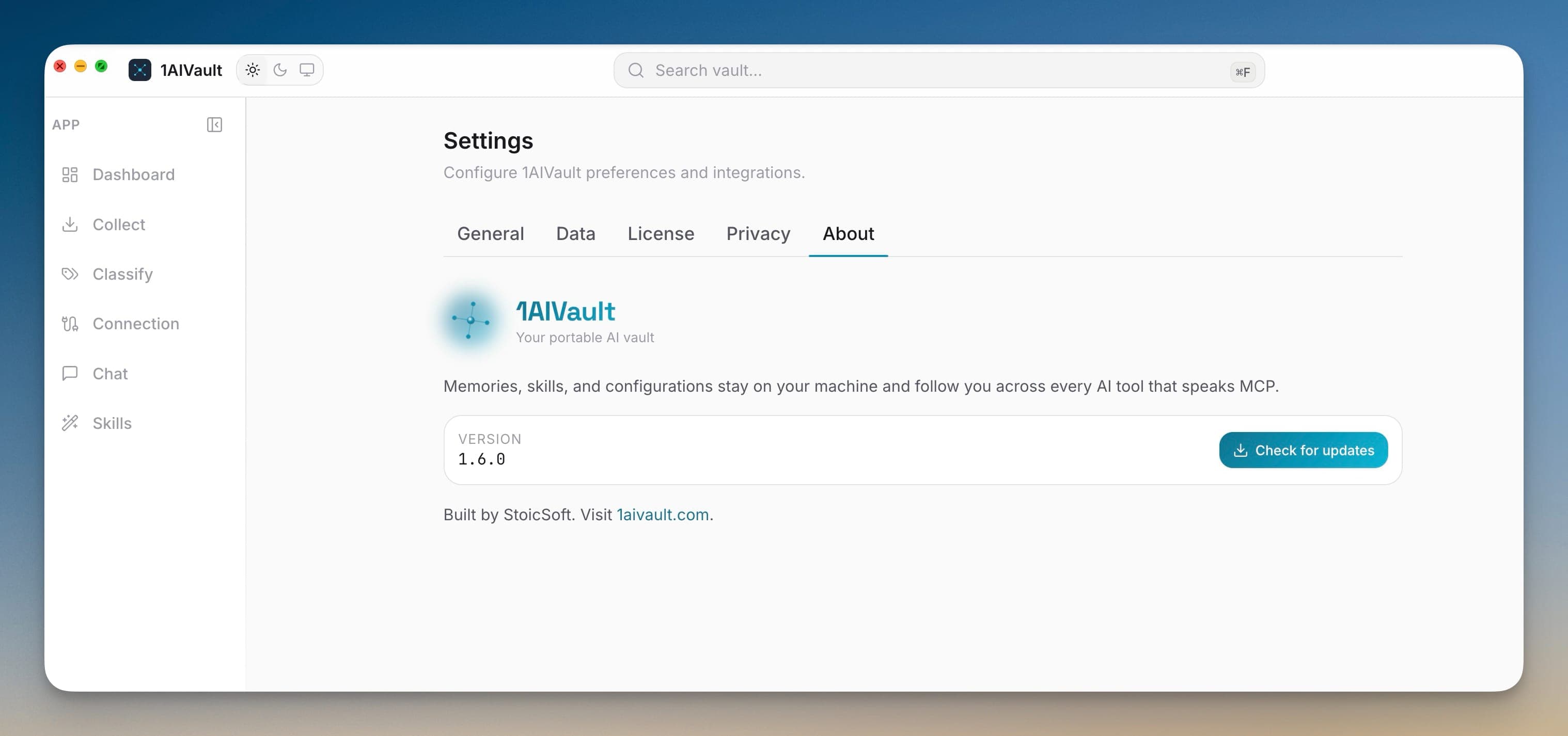
Built-in software updates keep 1AIVault current without a manual download hunt. The About tab shows the version you are running and can check whether a newer build is available. When there is one, it launches the update flow in place, so staying on the latest capture watchers, connectors, and fixes is a click rather than a trip to a downloads page.
Because the vault is a local file that stays put across versions, updating the app never risks your memory. You get new AI tool support and reliability improvements as they ship while your entries, topics, and settings carry forward untouched — the update refreshes the program around your data, not the data itself.
The About tab checks for and launches updates in place, so you never dig through a website for the right installer.
About displays the running build, making it obvious whether you are current before you file a report or ask for help.
Updates refresh the app around a local vault that stays put, so entries, topics, and settings survive every upgrade.
Open Settings → About.
Read the current version and choose to check for updates.
Launch the update flow when a newer build is offered.
Open Settings → About, check for updates, and launch the update flow when a newer version is available — no manual download required.
No. The vault is a separate local file that persists across versions, so your entries, topics, and settings carry forward when the app updates.
Settings are split into General, Data, License, Privacy, and About so operational controls stay predictable.
Learn moreBundle your entire vault — memories, skills, topics, links, settings — into a single passphrase-protected file. Drop it into 1AIVault on another machine, type the passphrase, and the whole vault appears intact.
Learn moreAnalytics, crash reports, MCP argument capture, and Memory Reads retention are explicit settings instead of hidden defaults.
Learn moreStart free, import real conversations, and reuse your memory across every AI agent you already use.