
Review forgotten entries and topics from a
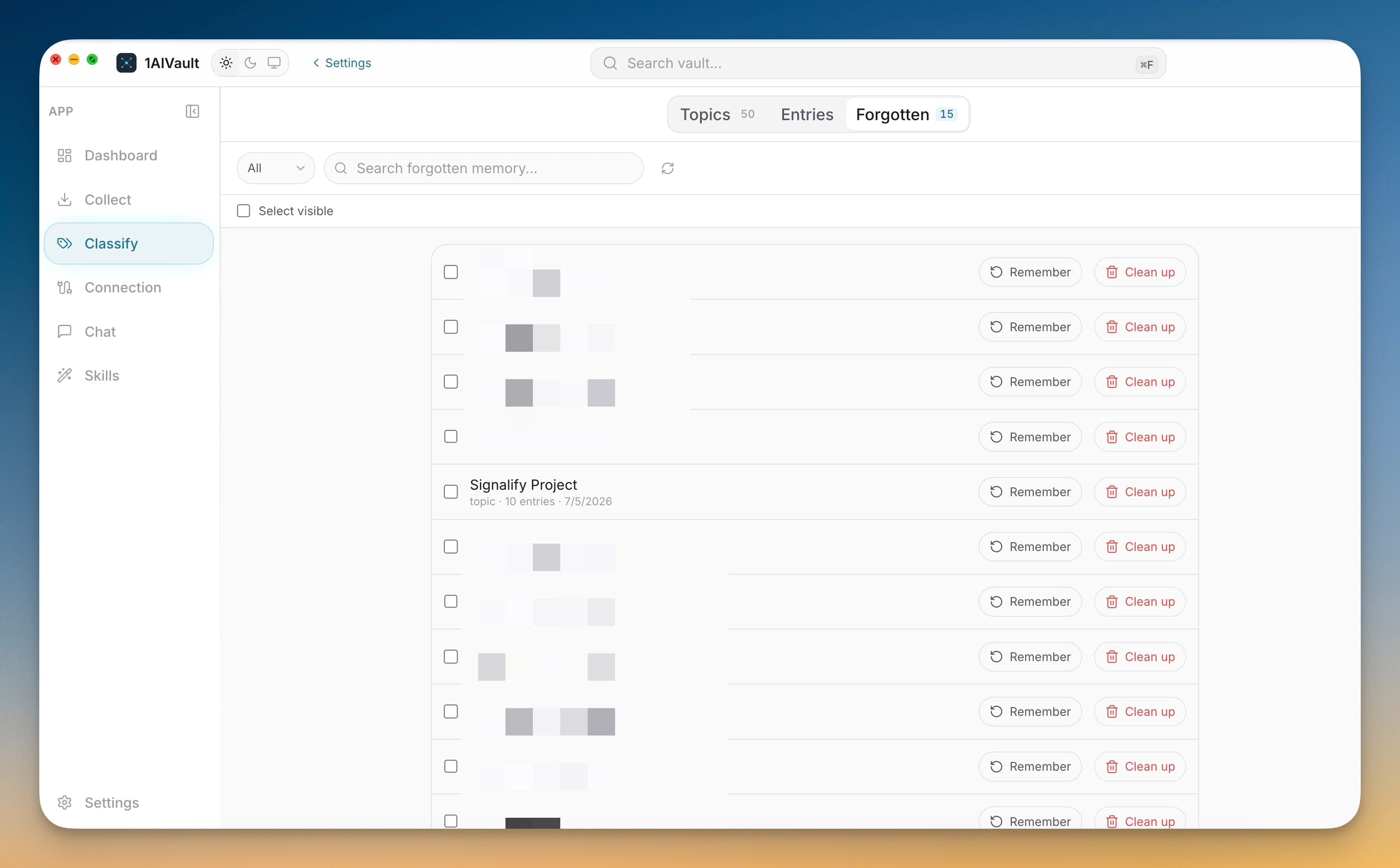
Review forgotten entries and topics from a dedicated Forgotten tab.
Clean up classified memory without losing control of what stays hidden, remembered, or rebuilt. The Classify workspace now includes a Forgotten tab, Reclassify All preview, multi-item remember and cleanup actions, and topic/entry merge flows.
Clean up classified memory without losing control of what stays hidden, remembered, or rebuilt. The Classify workspace now includes a Forgotten tab, Reclassify All preview, multi-item remember and cleanup actions, and topic/entry merge flows.
Classification becomes harder to trust when old topics, hidden entries, and partial assignments pile up. Deeper Classify controls let you review forgotten memory separately, preserve hidden and archived data during rebuilds, choose how much context AI sees during classification, and merge related topics and entries when the vault map needs cleanup.
Review forgotten entries and topics from a dedicated Forgotten tab.
Remember or permanently clean up hidden items, including selected groups.
Preview Reclassify All counts before clearing visible classifications and rebuilding topics.
Merge topics and selected entries into a cleaner canonical topic.
Open 1AIVault and go to the relevant workspace.
Use Deeper Classify Control as part of your capture, classify, recall, and connect workflow.
Reuse the resulting memory across your connected AI tools.
No. The rebuild clears visible classifications and starts fresh while preserving forgotten and archived memory, with a summary showing visible entries, skipped forgotten entries, affected topics, and estimated AI usage.
Yes. The Forgotten tab lets you search hidden entries and topics, remember them, or clean them up permanently when you are certain they should be removed.
You can choose the AI tool, set how much context each pending memory receives, save the default context size, and get prompts that ask the tool to inspect more detail when the preview is too thin.
Point 1AIVault at a local Ollama model and it extracts topics from your entries, merges duplicates, and groups related memories — cross-classification across topics is the default.
Learn moreA 3-step wizard that picks an AI client, confirms the MCP connection, and seeds your vault from existing chats — with project pickers for Claude Code and Cursor.
Learn moreEach topic can carry a digest that is viewable as Markdown or raw text, editable, refreshable, and classifiable again.
Learn moreStart free, import real conversations, and reuse your memory across every AI agent you already use.