
Step 1 — pick which AI client
Step 1 — pick which AI client to seed from
A 3-step wizard that picks an AI client, confirms the MCP connection, and seeds your vault from existing chats — with project pickers for Claude Code and Cursor.
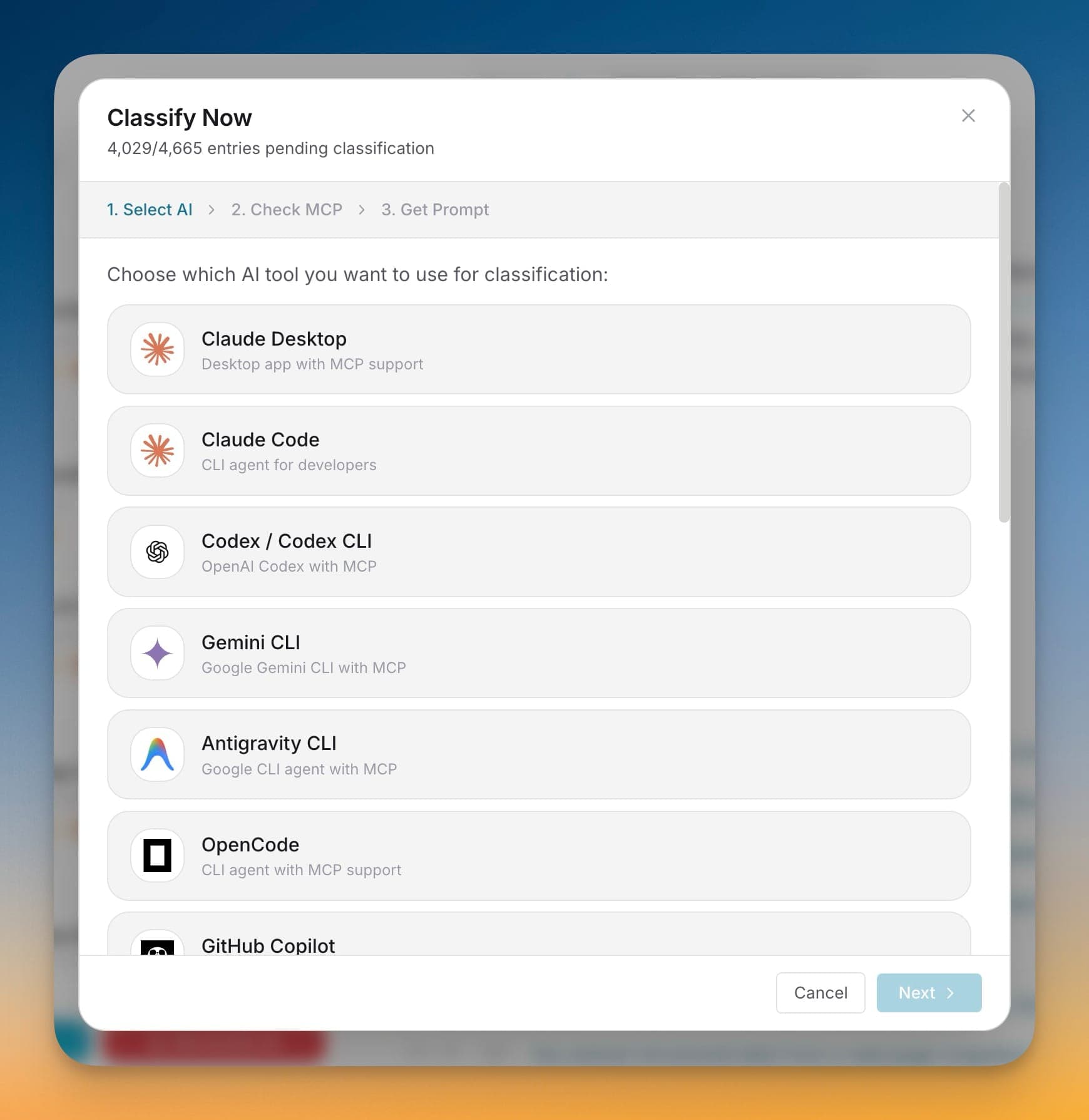
A 3-step wizard that picks an AI client, confirms the MCP connection, and seeds your vault from existing chats — with project pickers for Claude Code and Cursor.
When you first install 1AIVault your vault is empty. Classify Now walks you through bulk-importing past conversations and turning them into classified memories without you having to script anything.
Step 1 — pick which AI client to seed from
Step 2 — confirm the MCP bridge is wired up
Step 3 — send a one-shot classification prompt that drains queued chats into the vault
Project picker for Claude Code and Cursor lets you scope the import to specific repos
Open Classify Now and pick the AI client you want to classify with.
Let the wizard confirm the client's MCP connection to the vault.
Choose how much conversation content each entry should expose.
Copy the generated prompt into the client and let it classify pending entries in batches.
Yes. Open Settings → Classify Now any time to seed from a different client or a different project.
Point 1AIVault at a local Ollama model and it extracts topics from your entries, merges duplicates, and groups related memories — cross-classification across topics is the default.
Learn moreEach topic can carry a digest that is viewable as Markdown or raw text, editable, refreshable, and classifiable again.
Learn moreTopic detail shows the entries that formed a topic so you can inspect how an area of work evolved over time.
Learn moreStart free, import real conversations, and reuse your memory across every AI agent you already use.