
Passphrase-locks the whole vault, sealed by default
Passphrase-locks the whole vault, sealed by default and opened only when you unlock
Lock 1AIVault behind a passphrase, like a password manager. While locked, neither the app nor any AI tool connected over MCP can read your vault until you unlock it.
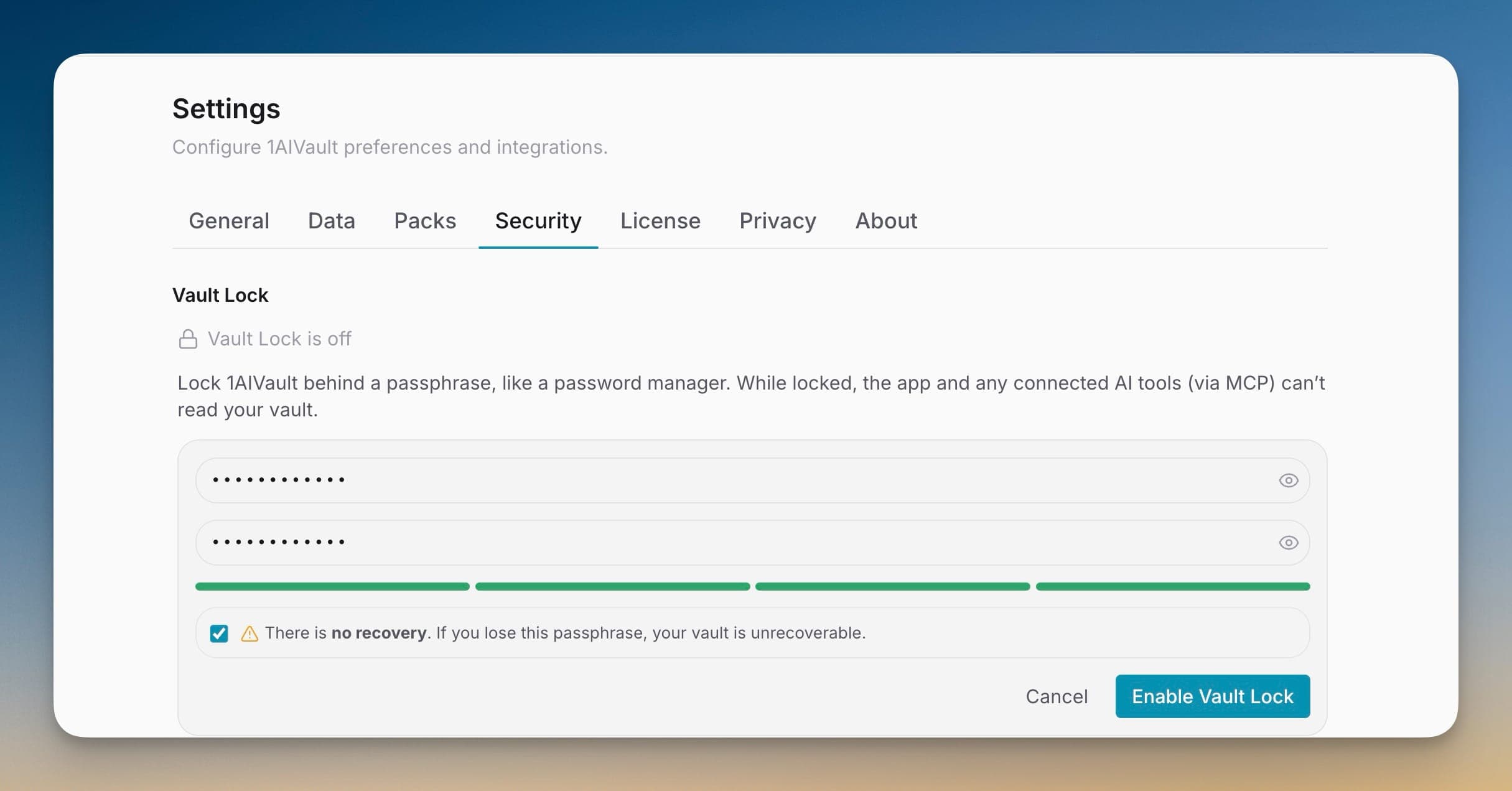
Lock 1AIVault behind a passphrase, like a password manager. While locked, neither the app nor any AI tool connected over MCP can read your vault until you unlock it.
Your vault is the richest record of how you work with AI, and being local-first means it lives on your machine — readable by anyone at the keyboard or any MCP-connected tool left running. Vault Lock puts a passphrase in front of that: while locked, the app and every connected AI client are refused reads, so your memory stays yours until you choose to open it.
Passphrase-locks the whole vault, sealed by default and opened only when you unlock
MCP-connected AI tools are refused every read while the vault is locked
Verified with a libsodium Argon2id key derivation that stores only a key hash
Auto-locks after idle (15 minutes by default) and starts locked on every launch
Open 1AIVault and go to the relevant workspace.
Use Vault Lock as part of your capture, classify, recall, and connect workflow.
Reuse the resulting memory across your connected AI tools.
No — Vault Lock is an access lock, not at-rest disk encryption. It gates reads through the app and the MCP server, which is the surface your AI tools actually touch. The passphrase is verified with Argon2id and only a hash of the derived key is stored.
The out-of-process MCP server reads the locked state and refuses every tool call, so a Claude Code, Cursor, or other MCP client gets nothing from your vault until you unlock it.
No. 1AIVault never stores your passphrase, only a hash of the derived key, so a lost passphrase means the vault stays locked. Keep it somewhere safe, like a password-manager master password.
Save memories, decisions, preferences, facts, and skills once — every connected AI client recalls them through a single MCP server. Local-first by default; nothing leaves your machine unless you export it.
Learn moreEntry detail keeps user, assistant, system, tool, and terminal-style messages when the source provides full conversation shape.
Learn moreFree mode supports 2,000 entries and 50 topics. Pro removes those caps and unlocks encrypted vault transfer.
Learn moreStart free, import real conversations, and reuse your memory across every AI agent you already use.