
Jun 30, 2026
Private AI Memory Is Becoming Operating Memory
Private AI memory is moving beyond saved chats into local computer history, offline AI kits, source-linked retrieval, and visible memory reads that agents can reuse.
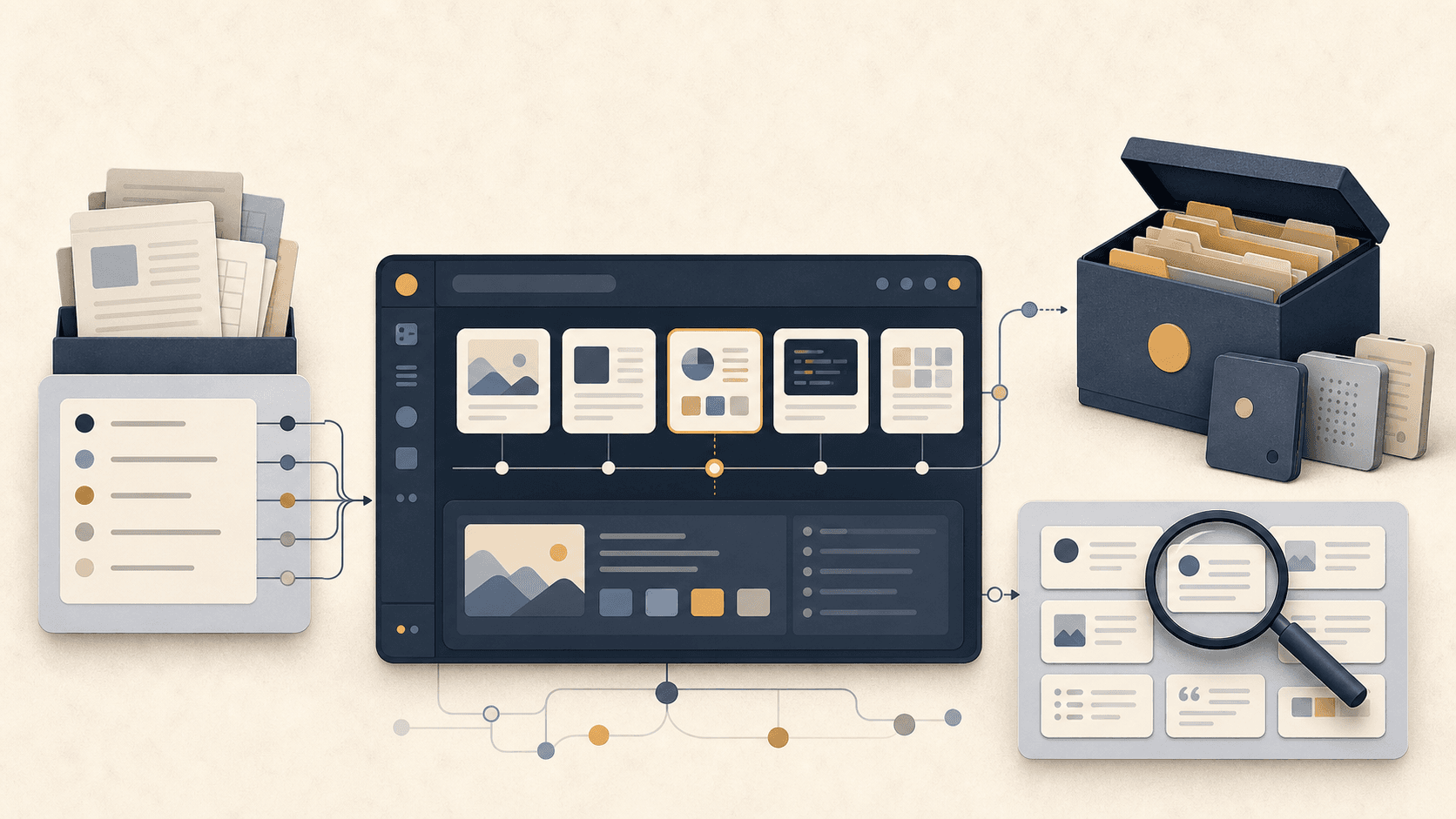
The next AI memory problem is not saving one more chat. It is remembering what happened on the machine around the chat: screenshots, local files, commands, documents, tool setup, model choices, and the bits of context a future agent will need without asking the user to reconstruct the day.
That is a different category from note-taking. It is closer to operating memory. The computer already contains the evidence of the work. The missing layer is a private way to capture, search, source-link, and reuse that evidence across future AI sessions.
Private AI Memory Starts With Local History
A useful memory layer should begin where the work already happened. Screenshots, browser pages, PDFs, markdown files, project folders, and chat transcripts are not separate worlds to the user. They are the same workday viewed through different surfaces.
This is why private AI memory is moving beyond exported conversations. An encrypted local history that can OCR screenshots, index documents, and expose carefully scoped context to an agent is more valuable than a folder full of transcripts. The transcript says what the user and model discussed. Local history can show what was on screen, which file mattered, and what source the answer came from.
That is also why private AI search is a stronger frame than generic archive search. The goal is not to collect everything. The goal is to retrieve the exact local evidence that should shape the next task.
Offline Kits Need Setup Memory, Not Just Files
The same pattern shows up in offline AI kits. A user can save models, runners, source code, virtual machines, OS images, and install packages, yet still lose the practical knowledge that makes the kit usable. Which runner worked with which model? Which GPU setting mattered? Which local server needed a flag? Which prompt or document index made the workflow useful?
A preserved folder is not the same as preserved capability. Capability includes the setup path, the decisions, the failure notes, and the working combinations. If that knowledge lives only in a forum thread, a chat window, or a half-remembered shell history, the offline kit is fragile.
Operating memory treats setup as first-class context. It keeps the files and the instructions close enough that a future agent can help restore the workflow instead of guessing from filenames.
MCP Makes Memory Actionable, But Also Raises the Bar
When memory is exposed through MCP or another local tool interface, it stops being a passive archive. An agent can query it during work. That makes the memory more useful, but it also raises the trust bar.
The user needs to know what the agent read, where the source came from, and whether the result was based on a current local artifact or stale context. A memory tool that silently injects background information can create the same trust problem as a model that remembers too much without showing its work.
This is why observability matters. The value is not only that an agent can retrieve memory. The value is that the user can inspect the retrieval trail. A memory read should be visible enough to review, repeat, and correct. That sits directly beside seeing which memories an AI actually reads: durable memory needs evidence, not vibes.
Search Is Only Useful When It Preserves Sources
Computer history can become another hoard if it stores everything without preserving provenance. A screenshot card without a path, timestamp, source app, or related file is just a picture in a pile. A chat excerpt without the surrounding project state may be too ambiguous to reuse.
Source links are what turn capture into memory. They let the user move from a retrieved fragment back to the original document, folder, page, or session. They also let a future agent cite the source rather than remixing a loose recollection.
This is the difference between search and memory. Search finds a match. Memory explains why that match should be trusted in the current task.
The Memory Layer Should Stay Outside the Vendor
Private operating memory also has to survive tool churn. The user may use Claude today, a local model tomorrow, and a different coding agent next month. The durable asset should not be trapped in any one chat client or vendor account.
That is especially important for people building local-first workflows. If the point is to keep context private and recoverable, then memory has to be portable by design: importable, exportable, inspectable, and usable by more than one agent surface.
Local AI users already understand this. The strongest workflows are not benchmark screenshots; they are systems that compound because each run leaves behind reusable context. That is the same lesson behind local AI workflows that compound.
Capture Less, Remember Better
The danger of operating memory is overcapture. A tool can record too much and make the user feel surveilled by their own archive. The better default is controlled capture: clear local storage, visible sources, user-owned filters, and retrieval that can be audited.
Private AI memory should make the next session easier without turning the computer into an indiscriminate recording device. It should preserve the parts of work that make future work recoverable: sources, decisions, setup, lessons, and context worth reusing.
Saved chats were the first version of AI memory. Operating memory is the version that knows the work did not happen inside the chat alone.