
Jun 29, 2026
Portable Task Memory Matters When Claude Hits a Limit
Portable Task Memory Matters When Claude Hits a Limit argues from current user demand that portable AI task memory needs a local, inspectable, repeatable workflow rather than another fragmented tool.
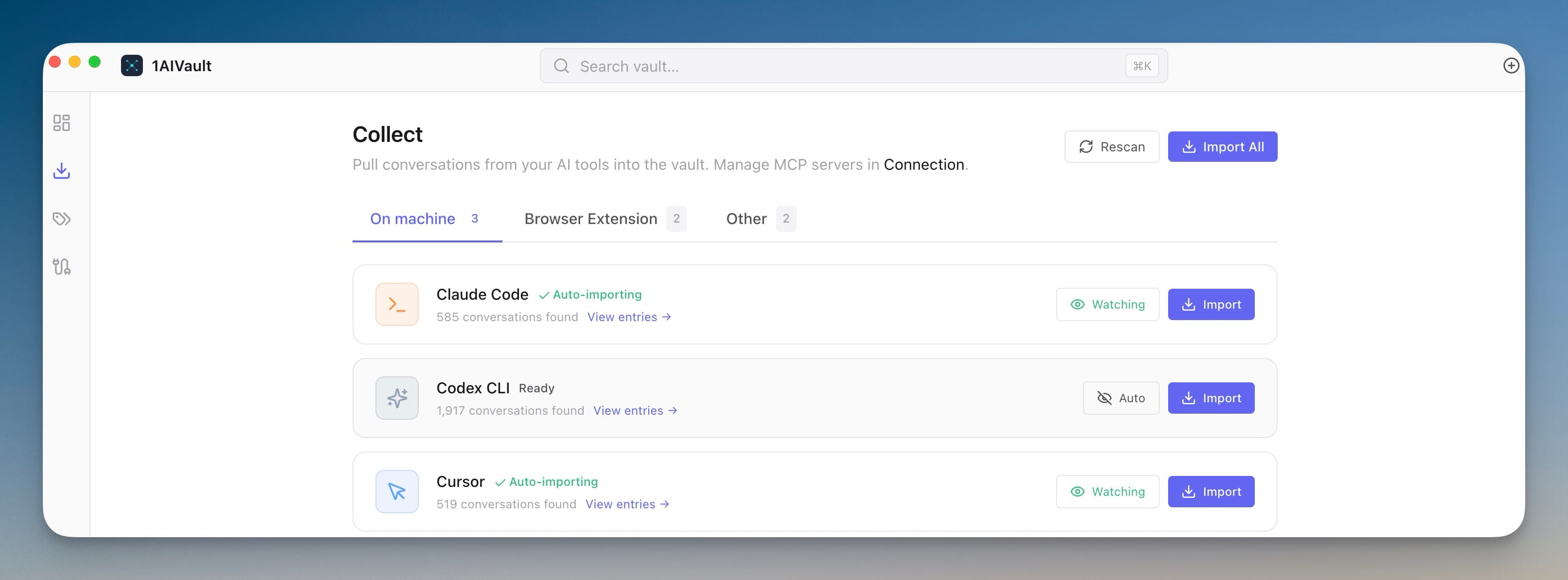
The useful signal in portable AI task memory is not that people want another dashboard. It is that the work keeps appearing at awkward moments, when a founder, developer, or operator needs a concrete result and does not have time to rebuild the workflow from scratch.
Users lose the exact state of a refactor when a chat cuts off, invent repo-root ledgers so Claude remembers decisions across tabs, and adopt knowledge-graph tools that write lessons so the AI stops repeating dead ends.
That makes the topic practical rather than theoretical. The right question is not whether a larger suite could do the job somewhere inside its menus. The question is whether the person doing the work can move from problem to verified result without uploading private material, losing context, or paying for a stack built around someone else's scale.
The memory problem is bigger than saved notes
Most AI memory discussions start inside the chat window. That is too narrow. Real work also includes the files that were open, the decisions that were made, the prompts that worked, the sources that mattered, and the constraints the next session must not forget.
That is why portable AI task memory needs to be treated as work infrastructure. A transcript can be useful, but it is not the whole memory. The durable asset is the recoverable state around the work. This sits beside earlier work on stable ai memory needs to sit outside the chat and can you resume an ai conversation from last month.
Static capture is not enough
Saving everything into a note graph feels responsible until the user has to recover the exact reason a choice was made. Notes without retrieval become storage. Transcripts without summaries become sludge. A folder full of exports does not automatically help the next AI session continue safely.
The better pattern is selective, source-linked memory: the instruction, the evidence, the decision, and the next action stored in a form that can be searched, reviewed, reused, and moved.
What the practical workflow needs
1. Capture the active work state
For portable AI task memory, this means preserving the information that changes the next session: what was tried, what worked, what failed, which source mattered, and which instruction should be reused instead of rediscovered.
2. Store decisions with sources
For portable AI task memory, this means preserving the information that changes the next session: what was tried, what worked, what failed, which source mattered, and which instruction should be reused instead of rediscovered.
3. Separate reusable instructions from chat history
For portable AI task memory, this means preserving the information that changes the next session: what was tried, what worked, what failed, which source mattered, and which instruction should be reused instead of rediscovered.
4. Make memory searchable and reviewable
For portable AI task memory, this means preserving the information that changes the next session: what was tried, what worked, what failed, which source mattered, and which instruction should be reused instead of rediscovered. Verification is not polish; it is the part that lets the user rely on the result.
5. Preserve handoff state across sessions
For portable AI task memory, this means preserving the information that changes the next session: what was tried, what worked, what failed, which source mattered, and which instruction should be reused instead of rediscovered. Context is only useful when it can survive the handoff into the next tool, task, or day.
6. Keep export and backup boring
For portable AI task memory, this means preserving the information that changes the next session: what was tried, what worked, what failed, which source mattered, and which instruction should be reused instead of rediscovered. The default should protect the user's data rather than ask them to trade privacy for convenience.
Retrofitting the workflow later costs more
The expensive version of this problem appears after the work has already scattered. Files sit in downloads, AI context lives in dead chats, agent changes are buried in terminal scrollback, or marketing research is trapped in a prompt that never became a brief. At that point the user is not improving the work. They are reconstructing it.
Building the workflow earlier creates compounding memory. The next job starts with a known path. The next session receives the right context. The next review has evidence. The next article inherits the research instead of repeating it.
Where this gets practical
1AIVault is useful here because it treats AI memory job as a workflow, not a loose collection of tabs. The practical surface is a local-first memory layer for sessions, prompts, documents, decisions, and reusable context. That matters because the user is not trying to admire a dashboard. They are trying to finish the job and trust the result.
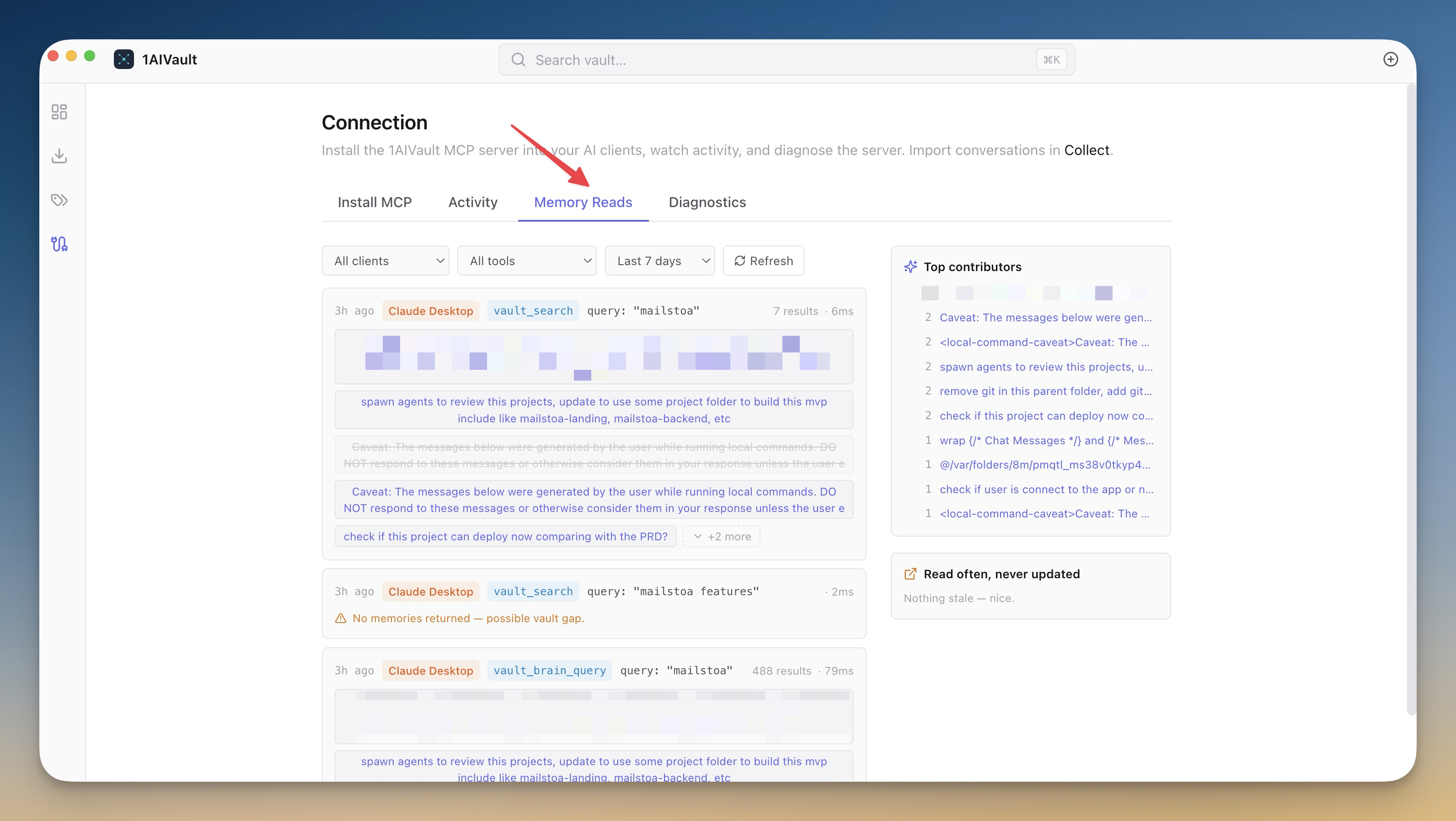
The product should not make the user translate the same intent five times. It should keep the inputs, actions, outputs, and verification close enough that the work can be repeated.
The takeaway
Portable Task Memory Matters When Claude Hits a Limit is a narrow title for a broader shift. People are not asking for more software surface area. They are asking for a workflow that respects the constraints of real work: privacy, context, reviewability, cost, and time.
The durable advantage is not another feature list. It is the ability to return to the same kind of problem next week and solve it with less reconstruction than last time.