
Jun 3, 2026
One prompt library, not five — why power users want unified prompt storage
As AI work spreads across Claude, Cursor, ChatGPT, and MCP servers, in-client prompt libraries become silos. Unified prompt storage that surfaces in every client is more valuable than any single client's prompt feature.
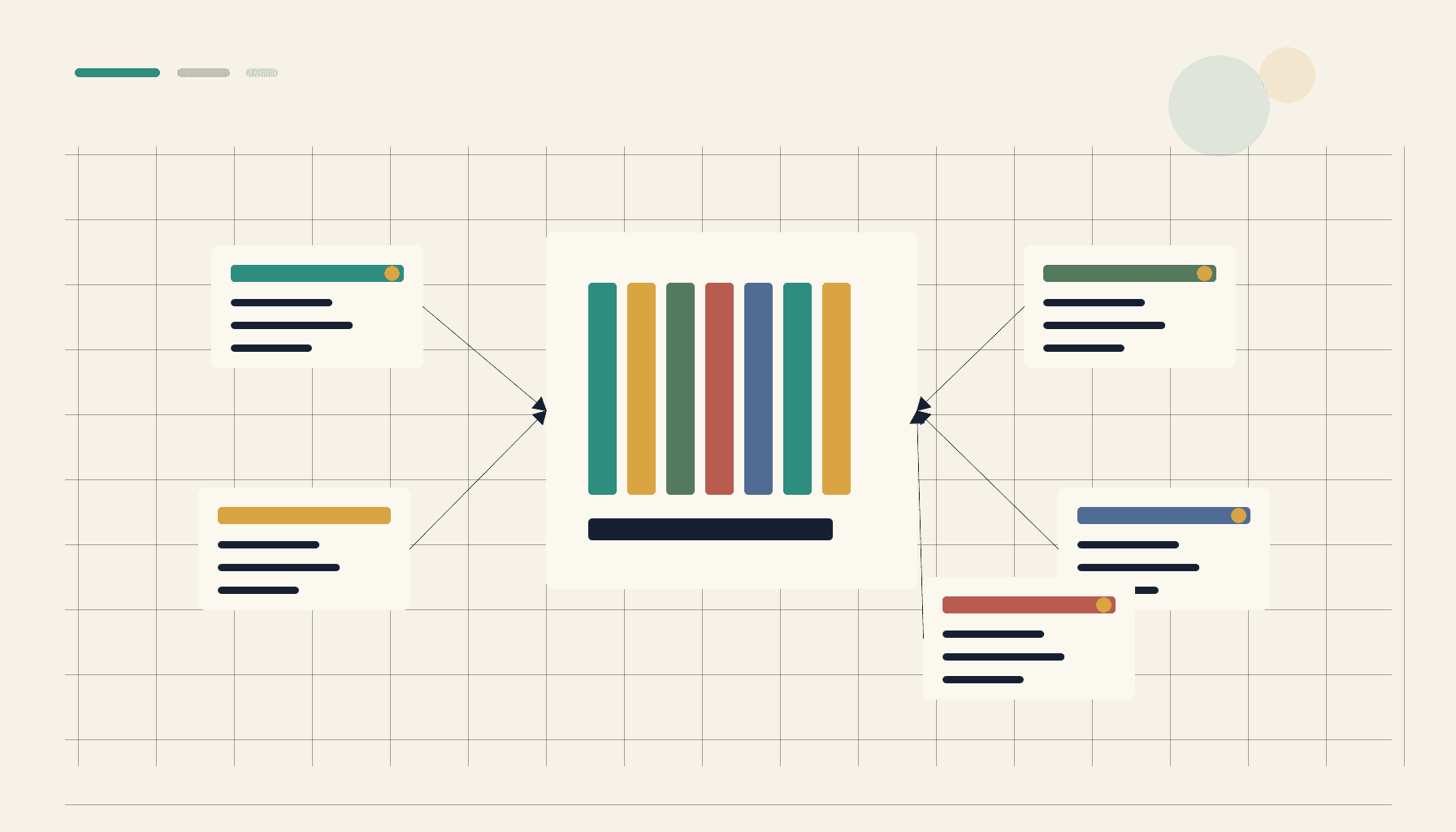
Count the prompts you actually rely on. Now count the places they live.
If you're a heavier AI user, the answer to the second question is almost certainly more than one. The prompt that summarizes Slack threads lives in your Claude Desktop favorites. The prompt that turns a PR diff into a changelog lives in Cursor's custom commands. The prompt that drafts release notes lives in a ChatGPT Project. The prompt that audits an MCP server's responses lives in a markdown file on your desktop.
Each client added prompt storage independently. None of them know about the others. The library you've actually built is spread across five places with five different schemas and five different export paths.
Why per-client prompt libraries don't scale
When a client ships its own prompt library, it ships the version that fits its UI and its model. That's reasonable for the client — until you start using more than one.
The problems show up in order:
Discovery. You wrote a great prompt in Cursor last month. You're now in Claude Desktop. You can't remember the exact wording. You either go hunting through Cursor (interrupting your current task) or rewrite the prompt worse than the version you already had.
Drift. You improve the prompt in one client. The version in the other client doesn't get the update. Now you have two versions, slightly different, and you're not sure which one is the current best.
Lock-in. You consider switching primary clients. You realize you'd lose access to half a year of accumulated prompt work that lives inside the old client. You stay.
Sharing. A teammate asks you for "that prompt you use." You have to figure out which client it's in and how to export it. Sharing becomes friction.
Each of these is solvable if you have one library. None of them are solvable as long as the library lives inside a client.
The shape of a unified prompt vault
A unified prompt vault is conceptually small. It's a typed store with entries called prompts. Each prompt has:
- a name (chosen by you, not generated),
- a body (the prompt itself, optionally with template parameters),
- tags (project, topic, role, anything),
- a version history (every save is a new version, the old ones are referenceable),
- a usage record (which clients have used this prompt and when, optional),
- a scope (personal, project, team).
The vault exposes itself to multiple AI clients — through MCP, a connector, or an integration. Each client surfaces the vault's prompts in its own UI: a command palette in one, a slash-command list in another, an autocomplete in a third. The user's prompts show up everywhere they work.
Because the vault is the source of truth, edits propagate. Improve a prompt; the improvement is live in every client. Delete a stale prompt; it's gone everywhere. Rename one; the rename sticks.
What changes once you have one
A few patterns appear quickly after consolidating prompts into a single vault.
Prompts compound. When the library is in one place and growing, you start to invest in it. You take an extra minute to phrase a prompt cleanly because you know you'll reach for it again. You revisit prompts when the underlying model changes and refine them. The library gets better, not just bigger.
Recipes emerge. When prompts live as named entries, you start chaining them: "first the spec-extraction prompt, then the test-case prompt, then the summarize prompt." Recipes turn into the unit you ship to your team.
Tag-based retrieval. With enough prompts and decent tags, retrieval stops being "remember the exact name." You filter to "code review prompts in the API project" and three options come up. Retrieval scales the way a real library scales.
Onboarding gets cheaper. Bring a new collaborator into a project, hand them the vault, point them at the project tag. They have access to the same toolbox the team is already using. They don't have to be taught the prompts; the prompts are the artifact.
What it doesn't do — and that's the point
A unified prompt vault is deliberately not an opinionated workflow tool. It doesn't try to be your AI client. It doesn't try to replace your IDE. It doesn't try to be a chat interface.
It holds the asset and exposes it to the tools that already do those things well. The user keeps the client they like. The vault makes the client smarter.
This is why the unified vault is more durable than any client's prompt library. The client you use today may not be the client you use in two years. The prompts you've built up in those two years should not be lost when you change tools. The vault outlives the clients.
What to look for in a vault
If you're choosing where to consolidate your prompt library, a few questions tell you whether the choice will hold up.
- Does it work with the clients you already use? Not "are integrations on the roadmap." Are they shipped today.
- Is the storage portable? Can you export every prompt, with versions, to a file you own?
- Does it handle scopes? Can a prompt live in a project scope without leaking into others?
- Does it version edits? When you improve a prompt, can you roll back if the new version turned out worse?
- Is it private by default? Are your prompts encrypted at rest, and is the network surface optional rather than required?
A vault that answers yes to all five becomes the foundation you can grow on. A vault that misses two or three will frustrate you in six months when one of those gaps becomes the bottleneck.
The migration
If you're moving from a per-client setup to a unified vault, do not try to import everything at once. The natural way to consolidate is by use.
Start by picking the five prompts you reach for most often this week. Move those into the vault and connect your primary client to it. Use them through the vault for a week. You'll notice the cost — the moment of friction — every time you need a prompt that isn't there yet. Promote those into the vault next. After a month, the prompts you don't miss can stay where they are; they aren't pulling weight.
By the end you'll have a working library that earned its place, instead of a transplanted library that brought every stale prompt along with it.
Why this matters now
The number of AI clients in a real user's workflow is going up, not down. New MCP servers ship every week. Existing clients keep adding adjacent features. The fragmentation will get worse before it gets better.
The users who don't consolidate end up with even more silos. The users who do consolidate get a compounding asset — one library that follows them across whatever client makes the most sense for the task in front of them. That asymmetry is going to widen.
One library, many clients. That's the move.