
Jun 3, 2026
API keys and credentials are silently breaking AI workflows — a secure vault is the missing link
Every new AI tool wants its own credentials, its own .env, its own provider tokens. A shared, local-first credential vault tied to your memory and prompts removes the hidden setup tax that slows real workflows down.
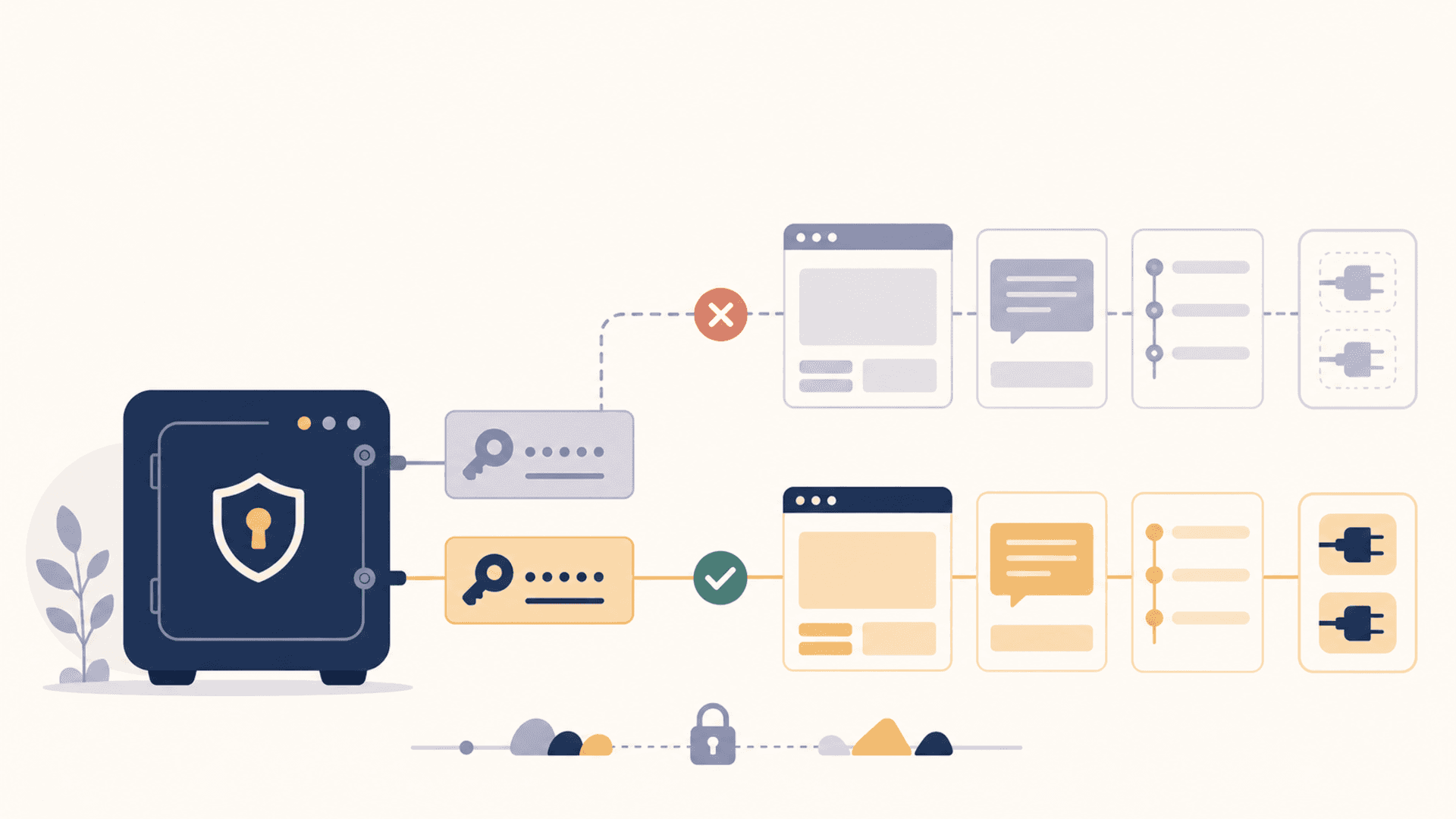
There's a quiet tax on every AI workflow, and it isn't usage cost or context length. It's credentials.
You set up a new MCP server — it wants an API key. You install a new client — it wants your provider tokens. You add a connector — it asks for OAuth. You build a workflow that calls four services — that's four keys, four onboarding flows, four sets of decisions about where the secret lives. Multiply by the number of tools you actually use across a week and the picture clarifies: credentials are the substrate everyone's pretending isn't there.
The scattered approach to this — .env files, keychain entries on macOS, environment variables exported in shell profiles, copy-pasted strings in random config files — works until it doesn't. Then it breaks all at once: a key rotates and three tools start failing; a teammate joins and you can't reproduce the setup; a new client launches and you have to find which .env had the right value.
Why credentials don't live next to your AI context today
If you look at how AI tools handle memory and prompts, you see slow but visible progress. There are memory features in the model clients. There are prompt libraries showing up in MCP. There are connectors that pass project context across sessions. The data that the AI uses is getting a substrate.
The credentials that the AI needs are not. They're treated as setup, not as data. Every tool reads its credentials at startup, holds them in process, and assumes you put them in the right place. There is no shared layer.
That split makes less and less sense the more AI workflows depend on calling external services. The same tool that pulls a prompt from your vault and a memory from your vault still wants you to manually paste an API key into its config file. The interesting half is portable; the boring half is anchored in five different config formats.
What a credentials vault does that scattered files can't
Move credentials into the same vault that holds your memories, prompts, and snippets, and several problems collapse at once.
Single source of truth. You change a key in one place. Every tool that needs it pulls the new value next time it asks. No more grep-replacing across .env files and praying.
Scope by project. A vault entry can be tagged to a project. When you're working on project A, your AI clients see the keys associated with A. When you switch to project B, they see B's keys. No more clobbered environment variables or wrong-key-from-wrong-project mistakes.
Rotation discipline. Keys have an age. A vault can show you which ones are old, flag the ones that haven't been rotated in N months, and warn when something looks like it leaked. You get hygiene that scattered .env files cannot provide.
Encryption at rest. A vault encrypts the body of each entry by default. A .env file does not. If a backup ends up somewhere it shouldn't, the difference matters.
Local-first. The vault doesn't have to be a cloud service. Local-first means the keys never have to leave your machine. They only travel into a tool's process when that tool asks for them, and only the specific keys it's authorized to see.
The pattern that fits an AI workflow
A credentials vault for AI workflows works best when it follows a small set of rules. They're worth being explicit about because most credential managers were designed for a different world.
- Entries are typed. An OpenAI key is one type. An OAuth refresh token is another. A database URL is another. The vault knows the difference and can format and validate accordingly.
- Each entry has a scope. "Global," "project Mercury," "this device," "this MCP server." Tools requesting a credential pass their scope; the vault returns only what's in-scope.
- Tools authenticate to the vault. A tool doesn't just ask for credentials; it identifies itself. The user authorizes specific tools to read specific scopes. Revocation is one click.
- Reads are logged. The user can see when a tool pulled which credential and decide whether that was expected. Anomalies become visible.
- Export is intentional. Moving credentials off-device should be a deliberate act, not a side effect of an automatic sync. The user owns the decision to export.
None of those are exotic. They're the principles modern secret managers already follow. The new part is that the vault sits in the same place as your prompts and memories, so the AI workflow has one substrate beneath it instead of two.
What this looks like with MCP
MCP gives this pattern a natural shape. The vault is an MCP server. It exposes a credentials API to clients that are authorized to use it. A model assistant doesn't see the secrets directly — it asks for the operation it needs, and the vault either performs the operation or returns the credential into a controlled context.
In practice, that means a coding agent can ask "call GitHub on my behalf" without ever reading the GitHub token. The vault performs the call. The agent gets the result. The credential never crosses into the model's context. That's a meaningful security improvement on its own — and it's only possible if credentials are first-class objects in the same substrate that the agent is already using.
What you can do today, even without a perfect vault
Until the vault you want exists in the shape you want, there are pragmatic moves that reduce the setup tax:
- Pick one home for keys, even if it's
~/.config/secrets/. Stop scattering. The destination doesn't matter as much as the fact that there is exactly one. - Treat each project as a credential scope. A
direnvfile per project, or a per-project keychain group on macOS, beats a global blob. - Document the boundaries of each key. What service, what scope, what rotation schedule. Even a one-line note per key removes future archaeology.
- Log key reads where you can. OS-level audit on a keychain. A wrapper script that prints which tool read which key. You want to see the access pattern.
These are stopgaps. They make the day-to-day better but they don't fix the underlying split between credentials and the rest of the AI context. The real fix is a vault that holds all of it together.
Why this becomes urgent
As AI agents do more on your behalf — call APIs, deploy code, send messages, query databases — the credentials surface grows. Every capability you give the agent is a key the agent needs. If those keys live in scattered files and ad hoc configs, the agent's reliability is bounded by your credentials hygiene.
A credentials vault inside your AI context layer turns that bound into a feature. The agent doesn't fumble for keys; the agent asks the vault. The user sees the access trail. The keys rotate centrally. The setup tax stops being a tax.
That's the layer the rest of the AI workflow is already waiting for.