
Jun 3, 2026
The context-switching trap maps directly onto AI workspace fragmentation
Productivity writing about context switching keeps describing the same shape as the AI tools problem: multiple apps, multiple histories, no single continuity record. The vault is the unification move both worlds are reaching for.
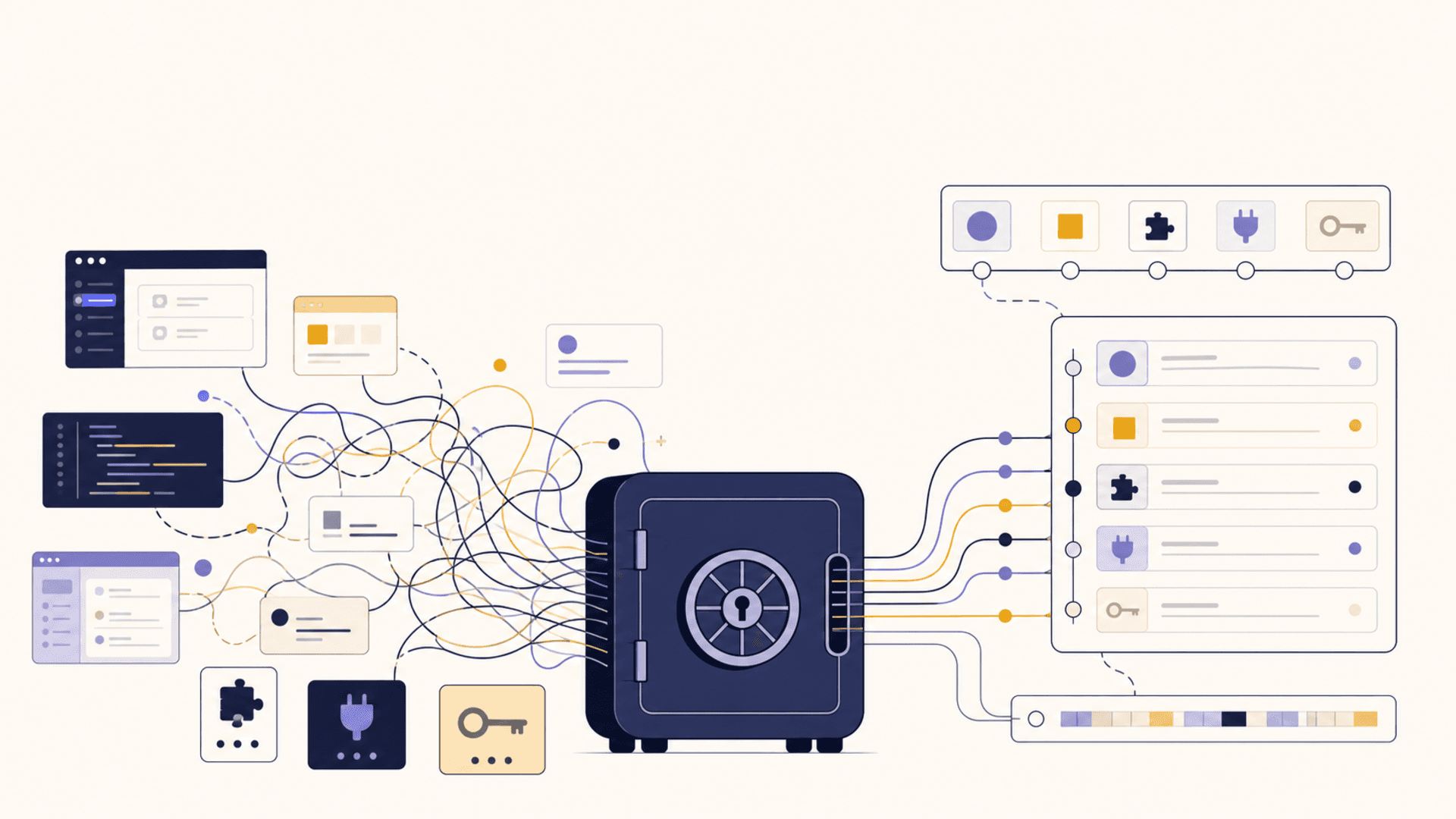
Productivity writers have been talking about context switching for two decades. The lessons feel familiar by now. Switching between tools costs more than it looks like. Each switch carries a setup cost. Your attention takes minutes to re-form after a context change. The way to reclaim time is not to switch faster, it's to switch less.
Now watch what's happening in AI tooling. Users open Claude Desktop, then jump to Cursor, then peek into Claude Code, then alt-tab to a custom MCP client, then back to ChatGPT to compare. Each tool has its own history. Each conversation is its own island. Each set of preferences has to be re-explained.
The symptoms are identical. The context switching that productivity writers warned about in office work is now the default state of AI work, just with newer-looking tools.
The response in both worlds is the same: build a unification layer. In productivity, that meant systems like one capture inbox, one task manager, one calendar. In AI tooling, it means a vault that holds your context outside any single client.
What the context-switching literature actually argues
The productivity writing on context switching makes a few claims worth keeping in mind because they apply directly to AI workflows.
Switches cost more than the perceived seconds. Re-loading context — "where was I, what was I doing, what state am I in" — takes minutes, not seconds. The cost is in the rebuild, not the click.
Tool fragmentation amplifies the cost. Two tools at the same time is manageable. Five tools is not. The number of inter-tool synchronizations the user is doing in their head grows nonlinearly.
Continuity recovers the cost. Systems that carry forward context across tools — one inbox, one task list, one calendar — turn switching into navigation rather than rebuilding. The switch costs drop sharply.
The pattern matters more than the tools. The specific apps don't matter. What matters is that there's one timeline of decisions, tasks, and notes underneath them.
Apply those four claims to AI tooling and the parallels are obvious. AI users are switching constantly. The cost is real, not perceived. The remedy is the same: one continuity layer underneath whatever tool they happen to be in.
What AI fragmentation actually looks like
A typical AI-power-user day:
- Morning: Claude Desktop. Plan the day. Draft some replies. Set up a project brief.
- Mid-morning: Cursor. Code. Use the assistant for refactor questions.
- Lunch: ChatGPT mobile. Ask a quick research question.
- Afternoon: Claude Code. Run a long agent task across a repo.
- Late afternoon: Claude Desktop again. Review what was done. Plan tomorrow.
Five context switches between AI tools, before counting the non-AI switches. Each switch:
- Loses the conversation history from the previous tool.
- Re-encounters the user without their project context.
- Asks the user to re-paste preferences or working assumptions.
- Has its own UI mental model the user has to slip back into.
None of this is the model's fault. It's tooling fragmentation. The AI work happening across the day has no thread; the user is the thread.
What "one timeline" looks like in AI work
The productivity writing's answer — one timeline — translates directly. The AI version is a vault that holds:
- a persistent memory of the user, their projects, and their preferences,
- a library of prompts and recipes the user keeps reaching for,
- a record of recent decisions across all the tools the user uses,
- a credentials substrate for the AI to act when authorized,
- the durable notes that turn yesterday's conversation into today's starting point.
When this vault exists, each tool the user opens becomes a surface on the same timeline rather than a separate island. The user opens Cursor; Cursor reaches into the vault. The user opens Claude Desktop later; Claude Desktop reaches into the same vault. The user's context is preserved across the day because the timeline is one thing, not five.
The context-switching cost doesn't disappear, but it drops sharply because the rebuild step is gone. Switching tools is now navigation, not restart.
What this changes day-to-day
A few specific behaviors get easier once the timeline exists.
Resuming yesterday. Open any client this morning, ask the assistant what was decided yesterday. The vault has the answer. The user doesn't have to remember which client had which conversation.
Cross-tool follow-up. A decision made in Claude Desktop affects work happening in Cursor. The vault carries it. The user doesn't have to re-paste in the second tool.
Onboarding new tools. A new MCP server gets installed; it reaches the vault and is instantly more useful than it would have been because the user's context is already there.
Auditing the week. "What did I work on this week?" gets a real answer because the vault saw it happen across whatever tools were involved.
These benefits compound. A few weeks of continuity feels different from a few days of it. The user starts choosing tools by fit-for-task rather than by which one remembers the most.
Where this differs from productivity tooling
One difference is worth flagging. In productivity, the unification layer is mostly the user's — a task manager that the user explicitly writes to.
In AI, the unification layer also needs to be the model's. The vault is where the user writes, and it's also where every AI client retrieves. The substrate has to support both reads-by-models and writes-by-users smoothly.
This is why a vault isn't just a notes app. It has to expose itself in a way the AI clients can use — typically MCP. The user side is still the human authoring assets; the AI side is models pulling those assets when they help.
That dual surface is the new part of the design. Productivity writing didn't have to solve it because no productivity tool had a model fetching the user's notes during a session. AI tooling does, and the design has to account for it.
What to build, what to skip
For anyone building toward this:
Build a typed asset substrate. Memories, prompts, snippets, credentials, notes. Not just "a memory store."
Build a presence model. When a tool opens, what does it pull from the vault automatically? Scoped, predictable, audit-able.
Build write paths from tools. A user can capture a memory or a prompt from inside any client and have it land in the vault. The capture surface is in the client; the storage is in the vault.
Skip the dashboard-first instinct. The vault should not feel like another app the user has to visit. Curation lives in the dashboard; daily reach-into lives inside whichever client the user is in.
Skip the "one true client" temptation. A vault that tries to be the AI client too will end up with neither audience. The vault wins by living underneath every client.
A short pattern to try
If you want to feel the difference even without a vault, try one week of writing a single end-of-day note across whatever AI tools you used. Capture: what was decided, what's still open, what you'd want tomorrow's first session to know.
Drop that note into your morning conversation the next day, regardless of which AI tool you open. You'll feel the rebuild cost drop. That single note is doing, manually, what a vault would do automatically.
If the felt difference is large enough that you don't want to give it up — and it usually is — the case for an actual vault makes itself.
The summary
Productivity literature mapped this terrain decades ago. AI work has reproduced the context-switching problem with newer tools. The remedy in both worlds is unification: one timeline beneath the apps. For AI, that timeline is a vault — typed, scoped, accessible to every client. Build it (or pick one) and the friction of a multi-tool day stops adding up the way it does now.