
Jun 3, 2026
Auto-imported reusable context — what RAG-over-prompts hints at next
AI products that pre-load curated prompt knowledge reveal what users actually want: persistent, structured context that does not require pasting the same setup paragraph into every chat. The vault is the obvious destination.
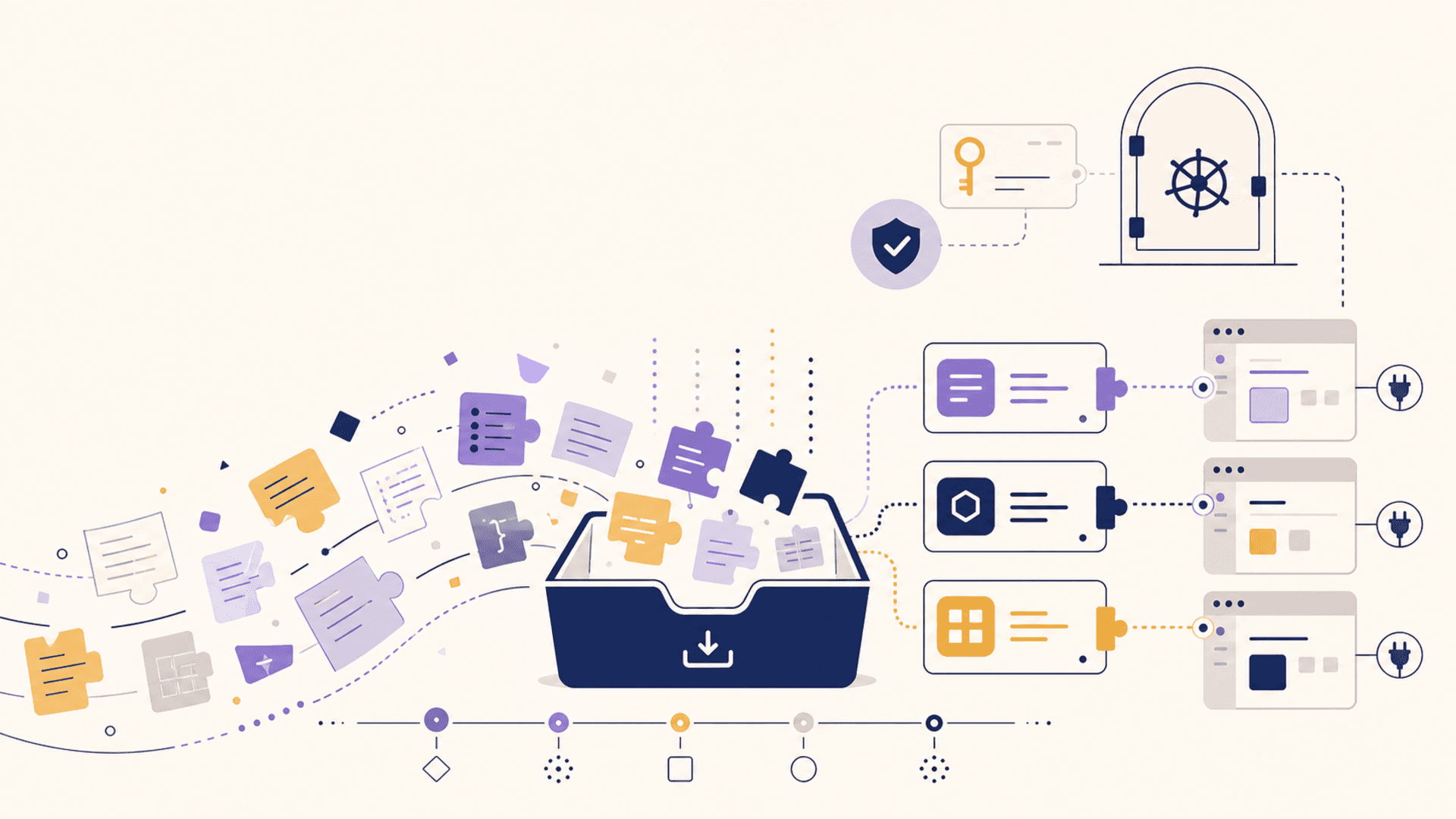
Most users describe RAG products as "the AI that knows my docs." That's the surface of it. The interesting part is why users want them so much: because the alternative is pasting the same context into every chat, every day.
A product that pre-loads a curated knowledge base — a set of prompts, examples, conventions, references — eliminates the worst step of the AI workflow. You stop being a context typist. You start asking the actual question. The model already knows the substrate it's working from.
That dynamic is showing up everywhere. Prompt-engineering platforms ship with curated prompt libraries the user can edit. Code assistants ship with framework-specific prompt knowledge built in. Research tools ship with starter prompt packs ready to extend. The pattern is consistent: "come with context, let users build on it."
The missing layer is the one where the user's own prompts, snippets, and notes get the same treatment. Curated context is what packaged products do well; personalized context is still mostly DIY.
What "auto-import" actually means
Auto-import is a small phrase that hides a big change in posture.
Today: you adopt an AI client, configure it, then re-import the context manually every time you start fresh. New chat, new project, new device — paste the setup again.
With auto-import: the context lives in a vault and announces itself to compatible clients. When you open a new chat in Claude Desktop, the vault is already reachable. When you start a project in Cursor, the vault's project-scoped prompts and notes are already there. When a coworker hands you an MCP server, the vault's relevant entries surface inside it. You don't import; the context is just present.
That shift turns context from a setup step into a default. It's the difference between bringing a notebook to every meeting versus already having a wall of shared whiteboards.
Why curated-prompt RAG products work
Look at what the successful RAG products with curated knowledge bases do well. There are three properties:
They reduce cold-start cost. A new user can do something useful within minutes because the curated context is doing the heavy lifting. The user doesn't have to articulate the missing scaffolding; the scaffolding is already there.
They make the model feel domain-aware. The model isn't smarter; the retrieval is denser. The same model that gave generic answers feels like a specialist because the right context lands in the prompt automatically.
They invite curation by the user. Most of these products encourage users to extend the curated base — add their own prompts, edit the defaults, organize. The user goes from consumer to curator, which builds attachment to the tool.
All three properties are substrate properties, not model properties. The model in the box is the same model everyone else has. The advantage is what the retrieval pipeline knows.
What changes when the substrate is yours
Move that substrate out of the product and into a vault you own, and the same three properties apply to every AI client you use.
Cold-start collapse. Open any compatible client, any new conversation, any new project — the vault is already wired in. No paste, no setup, no "let me explain my stack for the fifth time this week."
Domain depth across tools. The same depth a single packaged product can provide in its domain, your vault provides in your domain — the projects you actually work on, the customers you actually serve, the systems you actually maintain.
Curation that compounds. You curate once, in the vault. The improvement shows up everywhere. The curation effort that goes into a single packaged tool today gets spread across every client tomorrow.
The vault essentially turns the curated-RAG model from a product feature into a personal infrastructure choice.
What gets auto-imported
Not everything in a vault is useful in every context. Auto-import has to be selective or it becomes noise. A few categories tend to earn their place:
- Standing prompts. "Here is how I want code review framed." "Here is the format I want for release notes." Stable, low-volume, high reuse.
- Project conventions. Style, naming, architecture choices. Things the model needs to know to sound like it works on this codebase rather than a generic one.
- Customer or stakeholder profiles. What does this customer care about? What constraints govern their account? Useful in any conversation about that customer.
- Active decisions. What has the team agreed to recently? Decisions that affect ongoing conversations.
- Snippets the user already trusts. Reusable code blocks, content templates, query patterns.
These are exactly the entries a user would otherwise paste manually at the start of a chat. Auto-import is the move from "paste once per chat" to "present once per project."
What does not get auto-imported
What doesn't belong in auto-import is anything personal, sensitive, or one-off. The whole appeal of a vault is that you can be deliberate about scope.
A credential never auto-imports into a chat. A note about a private personal matter doesn't auto-import into a work session. A draft of next week's announcement doesn't auto-import while the team is collaborating on this week's release.
Good auto-import is layered. The user defines which categories belong in which contexts. Project-scoped entries fire in project-scoped chats. Team entries fire when the chat is shared. Personal entries stay personal.
This is the part of the design where many products fail. They either auto-import everything (and the model gets confused / leaks context across roles) or auto-import nothing (and the user is back to manual paste). The right answer is scoped, predictable presence.
How this interacts with memory features in clients
A few AI clients have memory features today — sort of an in-client vault. They are useful, and they are also limited in exactly the way you'd expect: the memory lives in the client. If you change clients, you start over.
A vault-shaped substrate complements those features rather than replacing them. The client's own memory holds the recent, conversational, ambient context. The vault holds the stable, curated, structural context. The two together give the model both a sense of "who you are" (vault) and "what we just talked about" (client memory).
The split also helps users reason about deletion. "I want to forget what we talked about last week" is a client-memory operation. "I want to update my stack conventions" is a vault operation. Different surfaces, clear boundaries.
A short build list
If you're a vault designer working toward auto-import as a behavior, the surface that earns it has a few specific pieces:
- Scopes. Project, team, personal, customer. Entries are tagged with one or more.
- Presence rules. "This entry surfaces when scope X is active." The user authors these once.
- Client adapters. Each compatible client knows how to ingest the auto-import payload at the start of a session.
- Visibility. When auto-import happens, the user can see what got imported. Implicit imports become explicit on demand.
- Easy override. The user can suppress an entry for a single conversation without deleting it from the vault.
With those five in place, auto-import is no longer magic. It's a feature with a clear mental model, and the user can extend, debug, and trust it.
The summary
The success of curated-prompt RAG products is a hint, not the whole product. Users want context that arrives automatically, scoped correctly, and grows with them — not just within a single tool's walls, but underneath whichever tool they're using today. A vault that handles auto-import for the user's own prompts, snippets, and notes is what comes next.